


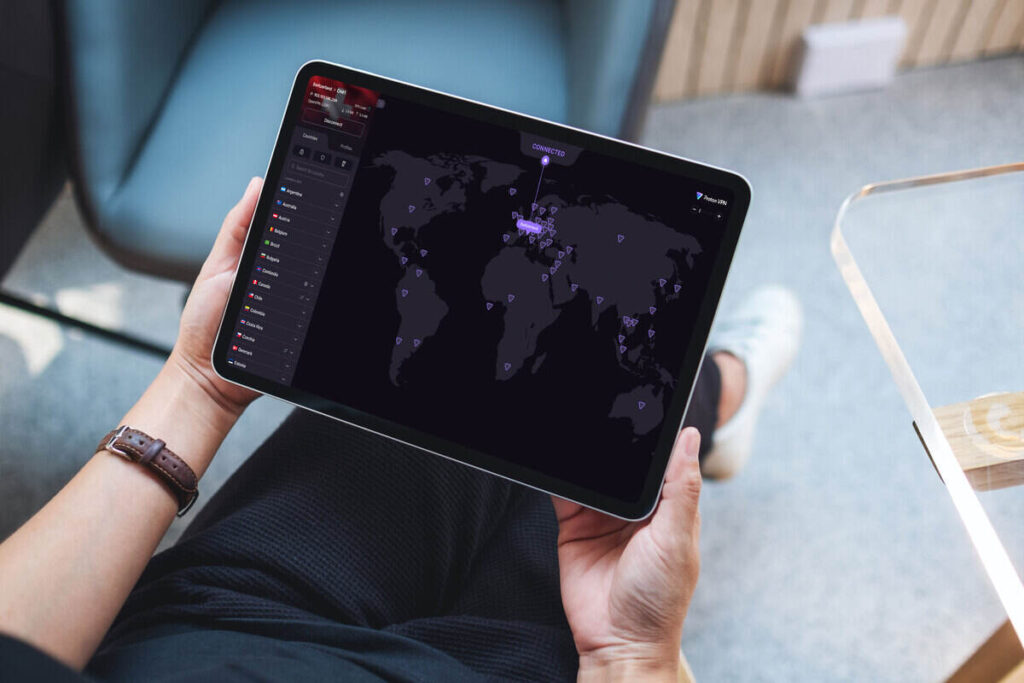
I didn’t start using Proton VPN because it was trendy — I started with the free plan years ago because I wanted a no‑nonsense way to protect myself on dodgy networks without dealing with ads or shady logging policies. Over time, it stopped being just a privacy app and quietly turned into a daily tool I rely on for streaming checks, SEO work, smarter shopping, and keeping client data safe.
The free tier has been surprisingly generous, with unlimited data, strong encryption, and a strict no‑logs policy, but it’s also capped to a handful of countries and doesn’t officially support streaming or extras like NetShield. That mix worked for me up to now I finally upgraded to the paid plan to unlock more features. Below is what I’m currently using in my workflow — you’ll still get some of these on the free plan.
How I test streaming apps before a trip

Before I get on a plane, I like to know whether my usual streaming apps will still work or if I’m about to lose half my watchlist the moment I land. With Proton VPN, I connect to a server in my home country or the country I’m visiting and open Netflix among other services to see what catalog actually shows up and whether the app complains about my location.
Connecting through a server in your home country lets you browse as if you were still at home, which is perfect for checking what will break when you’re on hotel Wi‑Fi instead of your usual fiber line. On the free plan, you don’t get official streaming support or access to special Plus servers, which is exactly why I moved to Proton VPN Plus — it’s designed to handle geo‑blocked streaming reliably on paid plans.
How I save money on YouTube Premium
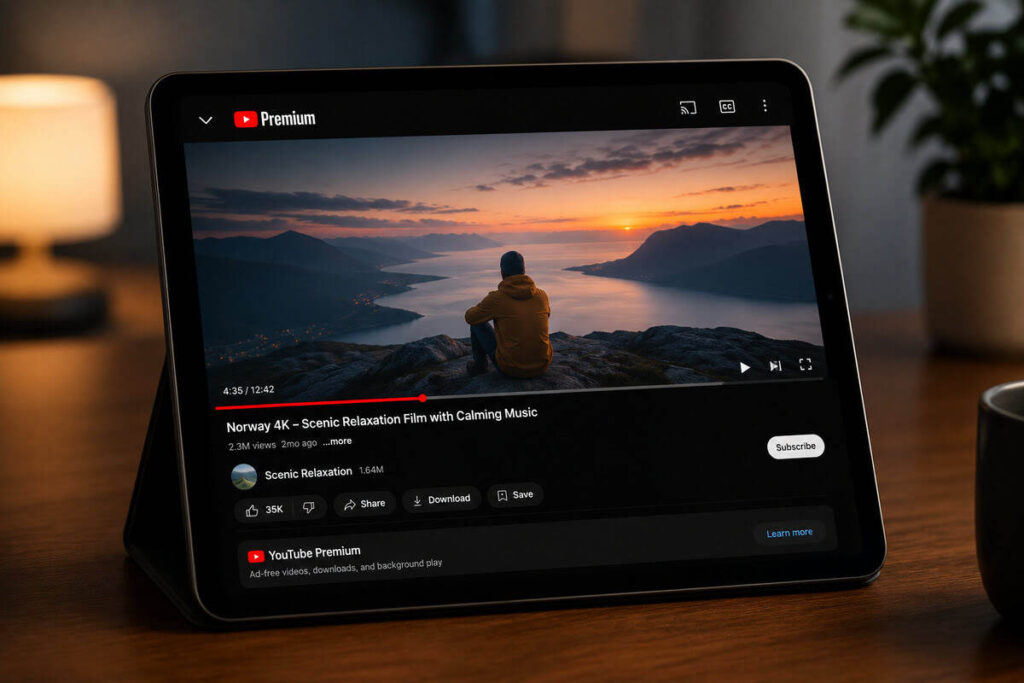
One of the more VPN‑nerd things I do is use Proton to experiment with cheaper YouTube Premium regions, because Google prices the same subscription very differently depending on the country. Pricing comparison sites consistently show that places like Turkey, India, and Argentina are dramatically cheaper than the US, with Turkey often around $1 per month and Argentina dropping below $1.53, while the US hovers near $13.99 per month.
By connecting to a server in one of those countries during signup and following the usual guide steps — incognito window, matching billing address, and a card that doesn’t freak out at foreign currency — it’s possible to lock in that lower rate and then enjoy Premium everywhere without needing the VPN after activation. In practice, that’s easily 90% off, which works out to saving well over $100 a year if you would have paid full US pricing.
Safely watching adult content without extra anxiety

Even though this article is mostly about everyday utility and not pure privacy, I can’t ignore one use case many people silently care about — adult content. Proton’s team has publicly emphasized that they operate under a strict no‑logs policy that’s been independently audited, meaning they don’t store your browsing history, IP address, or metadata that can be tied back to what you watched at 2 a.m.
When I connect to a VPN server, adult sites only ever see the VPN’s IP, not my home address, which keeps my identity out of their logs and out of the hands of ad networks that aggressively profile visitors. On paid plans, NetShield goes a step further by blocking known ad, tracker, and malware domains at the DNS level, which cuts down on the creepy trackers and junk banners you typically find on adult sites and makes the whole experience feel less risky.
Testing how my website looks from other countries
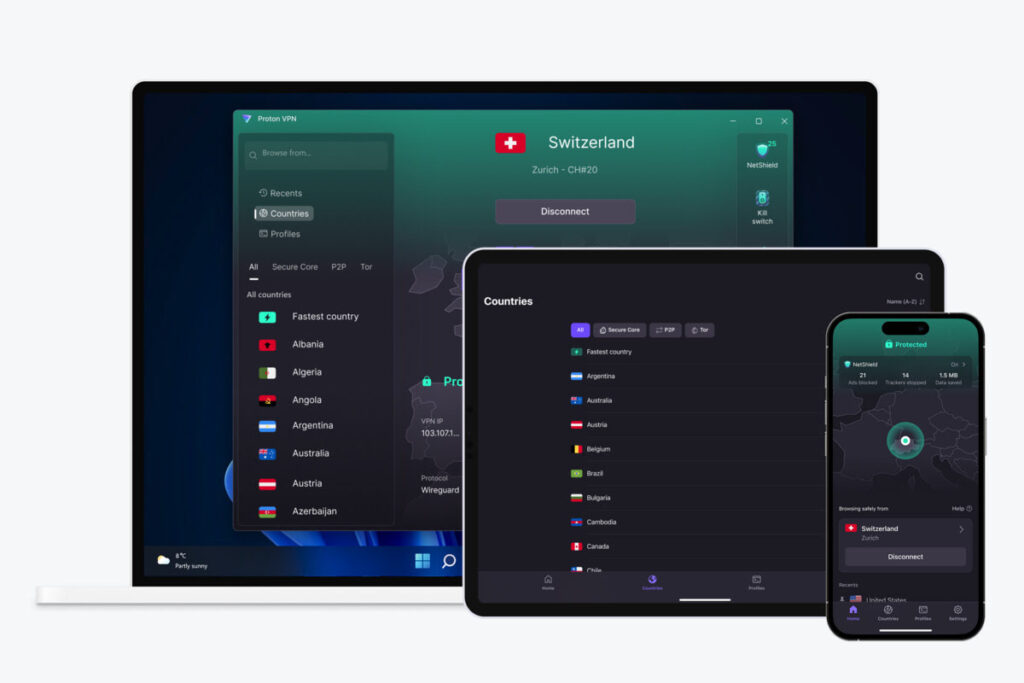
As a blogger with a store attached to my site, I don’t like guessing how my pages look for readers in other countries. I want to see exactly what they see. Proton VPN lets me hop through servers in different regions and then reload my blog, storefront, and landing pages to check localized pricing, currency display, CDN performance, and whether any third‑party scripts misbehave outside my home market.
This is especially useful for SEO work: connecting via a server in another country lets me run searches and see local SERPs instead of the heavily tailored results I’d get from my usual IP. It’s a simple trick, but it’s saved me from shipping campaigns that looked fine in Kenya yet broke in Europe or North America because of a translation issue, a tax setting, or a slow route to my hosting provider.
Accessing my home services while traveling
Travel is when I lean on Proton the hardest, especially for anything that involves banks, government portals, or services that really don’t like foreign IP addresses. Many institutions flag logins from overseas as suspicious, and some outright block access based on IP, so connecting to a server in your home country can make your bank think you’re still at home.
That’s not a guaranteed bypass, some banks and payment providers are hostile to VPN ranges and will still throw warnings or block logins. In practice I’ve had fewer “we locked your account” messages when I tunnel back through a familiar country before accessing sensitive services. Even when the IP doesn’t change their fraud logic, the encrypted tunnel protects DNS requests and hides which specific financial site I’m on from whoever is running that airport or hotel Wi‑Fi.
Keeping smart home devices safer on public networks
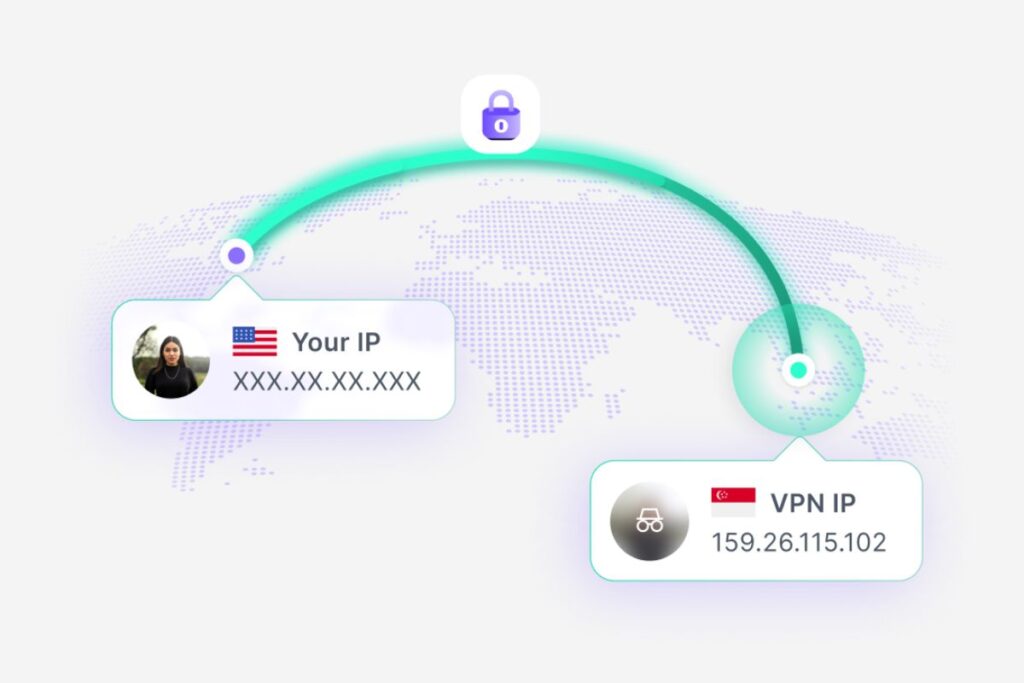
When I’m away from home and need to poke at a NAS, smart cameras, or other devices that sit on my network, I don’t love doing that over random cafe Wi‑Fi with no protection. Proton VPN encrypts the traffic leaving my laptop or phone, including DNS lookups, which makes it harder for someone on that same public network to poison requests or sniff what service I’m talking to before they even reach my home setup.
DNS poisoning can redirect you to fake sites that steal credentials, and the same idea applies to remote access tools — securing that path reduces the chance of someone quietly inserting themselves in the middle. Combined with basic hygiene like strong passwords and two‑factor authentication for admin accounts, using Proton when I’m remotely checking on devices feels like sensible overkill rather than paranoia.
Uploading client files from shared networks
Most of my work involves sending files, logging into dashboards, and accessing CMS backends, often from coworking spaces, cafes, or hotels when I’m on the move. Relying on public Wi‑Fi for that without any extra protection means trusting whoever runs that network not to snoop or tamper with unencrypted parts of my traffic.
Proton VPN adds a second layer on top of HTTPS by encrypting everything between my device and the VPN server, including DNS, which cuts down on common attacks like DNS spoofing and makes it harder for local snoops to see which platforms I’m actually using.
I still treat the VPN as one layer among many; strong unique passwords, a password manager, and two‑factor authentication are non‑negotiable. Proton is the piece that makes me comfortable opening sensitive dashboards on a random shared network.
Keeping my ISP from profiling my browsing habits
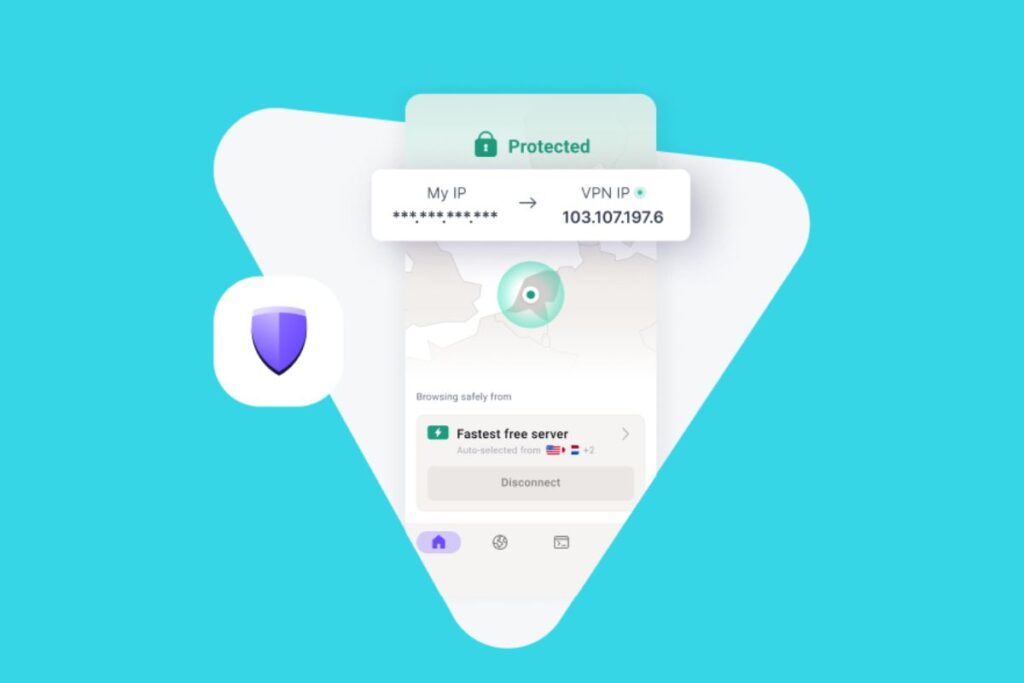
I’m not doing anything dramatic on most days, but I still prefer my internet provider not building a detailed, timestamped profile of every site I visit and every app I use. Even Proton’s free plan already encrypts all my traffic and routes it through their servers, which means my ISP sees an encrypted tunnel to Proton instead of separate connections to individual websites.
The privacy benefit here isn’t that no one can ever know anything about you, it’s that one powerful actor — your ISP, which often has incentives to monetize data; no longer has a neat, raw feed of your browsing history tied to your real identity. Proton’s no‑logs policy and independent audits are what make this viable; shifting visibility from my ISP to a VPN only makes sense if the VPN itself is transparent and doesn’t keep records of where I go.
Checking region-specific search results
Because I write for a global audience, I care a lot about how search results look in different markets, not just what I see from my home IP. When I’m working on SEO or comparing product visibility, I connect Proton to a server in the target country and rerun my queries to see local rankings, featured snippets, and which competitors dominate that region.
VPNs in general are a standard tool for this, but Proton has been practical because even the free tier supports basic private browsing with unlimited data, so I’m not burning through a tiny cap just to run keyword checks. For deeper work, paid plans unlock more locations and better speeds, which matters when you’re refreshing SERPs and bouncing between multiple search engines and ad libraries in several countries in one sitting.
Preventing bandwidth throttling during large downloads
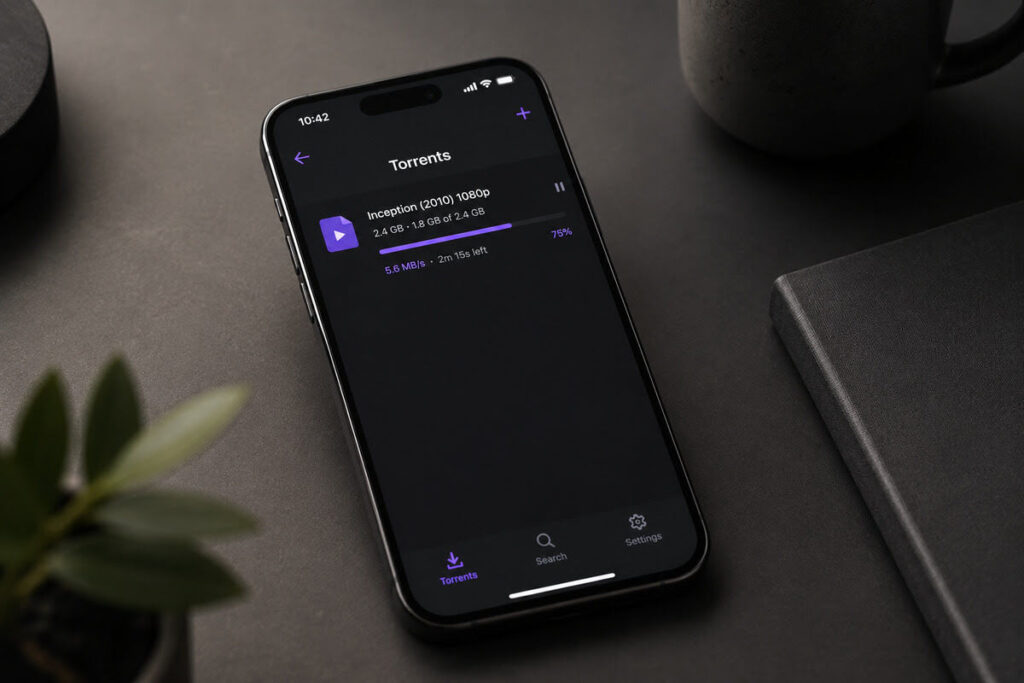
ISPs don’t always treat all traffic equally; many quietly throttle specific types of usage, like large downloads or certain streaming categories, based on what they can see in your data flow. Proton VPN encrypts and tunnels your traffic through its own servers, which makes it harder for an ISP to fingerprint exactly what kind of traffic you’re generating and apply those category‑based throttling rules.
This isn’t magic. If your provider enforces strict overall limits, a VPN won’t give you infinite bandwidth — but in real‑world tests many reviewers have found Proton’s accelerator and modern protocols help sustain more consistent speeds for bulk downloads and long streaming sessions on paid plans. I reach for Proton when I’m grabbing big files or syncing media libraries, because even shaving off some of that mysterious slowdown during peak hours is worth it.
Staying logged into sensitive accounts on hotel Wi‑Fi
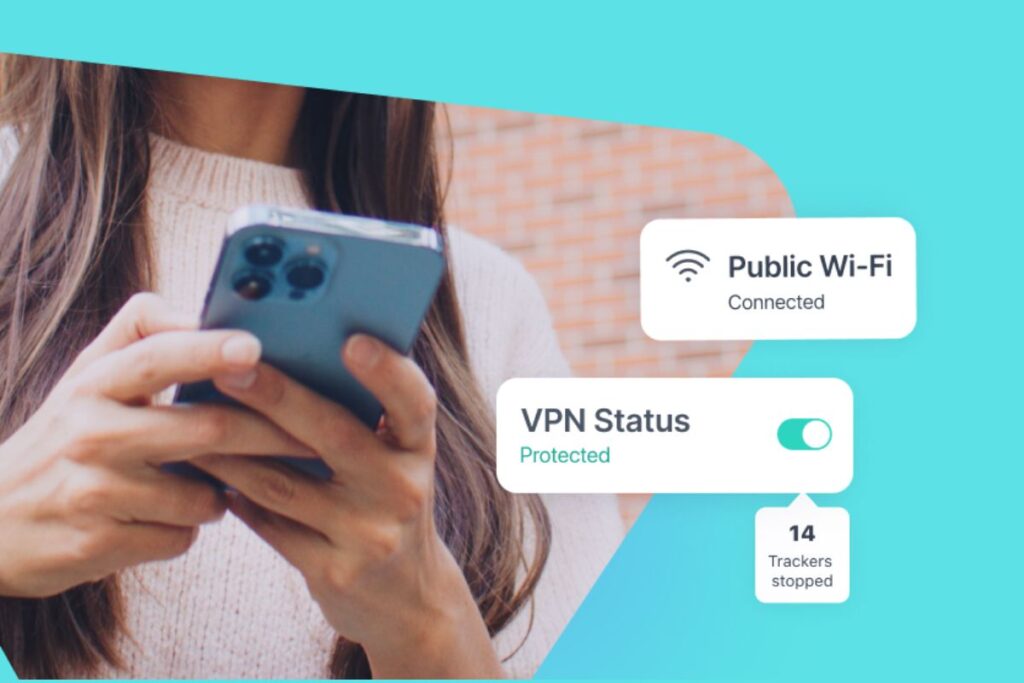
Hotel Wi‑Fi is notorious for being open, misconfigured, or over‑monitored, and that’s a bad mix when you’re checking email, banking, or any account that could lock you out for suspicious activity. Using a VPN on public networks both encrypts your traffic and hides which specific sites you’re visiting from anyone running or snooping on that hotspot.
Whenever I’m in a hotel, I connect Proton before opening my inbox, cloud storage, or work tools so the login traffic goes through an encrypted tunnel first, reducing the attack surface for things like DNS poisoning or basic sniffing. I still follow best practices; typing URLs manually for banks, watching for certificate warnings, and using 2FA. But Proton makes staying logged into sensitive accounts feel less like a gamble and more like a controlled risk.
Reducing tracking while shopping online
Modern e‑commerce is built on tracking: retailers and ad networks watch what you browse, where you’re located, and how often you come back in order to tweak prices and ads. A VPN doesn’t erase that ecosystem, but it does remove one of the easiest signals to exploit by hiding your real IP and location behind a VPN server, which makes it harder to build a location‑anchored profile.
On Proton’s paid plans, NetShield adds DNS‑level blocking for known ad and tracker domains, so a lot of the behind‑the‑scenes scripts that feed data into those profiles are cut off before they ever load. I still assume I’m being tracked in some ways whenever I shop, but using Proton with NetShield feels like moving from glass house to tinted windows, especially on sites that bombard you with aggressive ad tech.
So… should you actually pay for a VPN?
If you’re only occasionally on public Wi‑Fi and don’t need streaming, torrenting, or extra tools, Proton’s free plan is honestly one of the best zero‑cost ways to get basic encryption and hide your IP without data caps. That’s where I started, and it’s still what I’d recommend if you’re skeptical or just testing the waters.
But once you care about things like reliable streaming before trips, serious YouTube Premium savings, NetShield’s tracker blocking, and better speeds across more countries, the Plus or Unlimited plans start to feel less like a luxury and more like a sensible monthly utility.
My own usage has crossed that line, which is why I upgraded to attach all these everyday workflows to a paid Proton subscription — and if you’re ready to do the same, hit the button below to get 70% off your first two-year plan and 60% if you decide to go for the the one year plan.